Protocol management: Difference between revisions
Jump to navigation
Jump to search
| Line 7: | Line 7: | ||
==Creating a study site== | ==Creating a study site== | ||
[[File:Admin WBC Sites.png|thumb]] | |||
<br/> | <br/> | ||
Revision as of 12:48, 17 March 2023
Territory mapping
Waterbird census
To access the adminstration of a protocol you need the Protocol administrator right. Only an Admin of the Local portal can provide you such access, under condition .
Creating a study site

Setting protocol parameters
To stablish the starting paremeters of a Waterbird census, go to the administration section on the left hand column (see image Administration), and scroll down to Protocol administration. Open panel and select Protocol administration (see image Protocol administration).


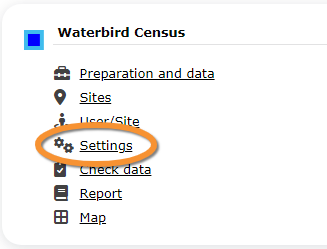
Choose the protocol you need to work on, in this case, Waterbird census, and select Settings (see image Waterbird census. Menu). Go to parameters