Rarity reports: Difference between revisions
| Line 82: | Line 82: | ||
</div> | </div> | ||
<p style="color:black;font-size:12px;padding-left:30px;text-align:left;column-count:2;"> | <p style="color:black;font-size:12px;padding-left:30px;text-align:left;column-count:2;"> | ||
<b>1.</b> [[Rarity reports#Search | <b>1.</b> [[Rarity reports#Search 2|Search]] <br /> | ||
<b>2.</b> [[Rarity reports#Details | <b>2.</b> [[Rarity reports#Details 2|Details]] <br/> | ||
</p> | </p> | ||
<br/> | <br/> | ||
| Line 92: | Line 92: | ||
'''End date:''' Text 2. <br/> | '''End date:''' Text 2. <br/> | ||
'''Species:''' Text 1. <br/> | '''Species:''' Text 1. <br/> | ||
'''[[Rarity reports#My vote|3. My vote]]:''' Text 2. <br/> | '''[[Rarity reports#My vote 2|3. My vote]]:''' Text 2. <br/> | ||
</p> | </p> | ||
</div> | </div> | ||
| Line 99: | Line 99: | ||
<br/> | <br/> | ||
<span id="Search | <span id="Search 2"></span> | ||
:<b>Search</b><br/> | :<b>Search</b><br/> | ||
| Line 105: | Line 105: | ||
<br/> | <br/> | ||
<span id="Details | <span id="Details 2"></span> | ||
:<b>Details</b><br/> | :<b>Details</b><br/> | ||
<span id="My vote"></span> | <span id="My vote 2"></span> | ||
:<b>My vote</b><br/> | :<b>My vote</b><br/> | ||
Revision as of 11:26, 19 June 2025
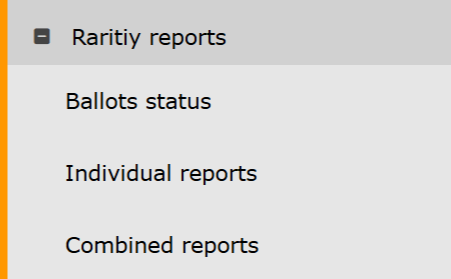
Rarity reports. Menu.
Ballots status
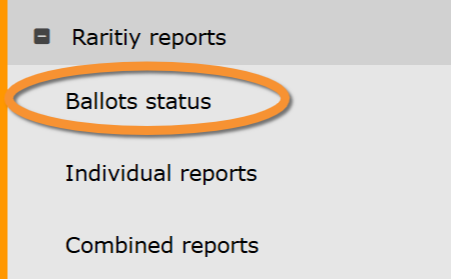
Rarity reports. Ballots status.
Ballot open

Ballot open.
ID: Text 1.
Committee: Text 2.
Start date: Text 1.
End date: Text 2.
Species: Text 1.
3. My vote: Text 2.
4. Vote progress: Text 2.
- Search
Select page number and/or number of items per page.
- Details
- My vote
- Vote progress
Number of members that have already voted our of those authorised to vote in this ballot.
Ballot closed

Ballot closed.
ID: Text 1.
Committee: Text 2.
Start date: Text 1.
End date: Text 2.
Species: Text 1.
3. My vote: Text 2.
- Search
Select page number and/or number of items per page.
- Details
- My vote
All ballots

All ballots.
ID: Text 1.
Committee: Text 2.
Start date: Text 1.
End date: Text 2.
Species: Text 1.
3. My vote: Text 2.
4. Status: Text 2.
- Search
Select page number and/or number of items per page.
- Details
- My vote
- Status
Indicates in which state are all ballots listed:
· Ballot open:
· Ballot closed:
Individual reports
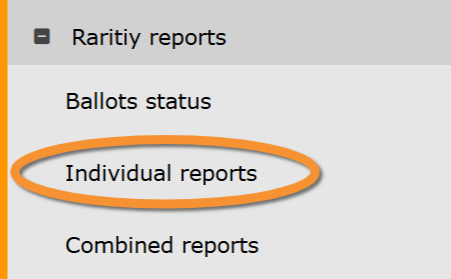
Rarity reports. Individual reports.
Combined reports
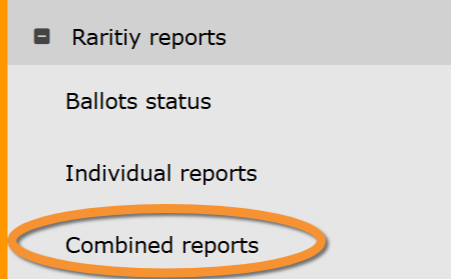
Rarity reports. Combined reports.