Rarity reports: Difference between revisions
| Line 168: | Line 168: | ||
<br/> | <br/> | ||
<center> | |||
<div class="toc" style="border-radius: 5px; padding: 25px; text-align: left; font-family: sans-serif; color: black; width: 600px;"> | |||
</div> | |||
</center> | |||
<br /> | |||
==Ballot details== | ==Ballot details== | ||
Revision as of 13:03, 19 June 2025
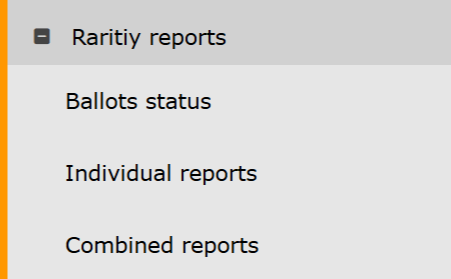
Rarity reports. Menu.
Ballots status
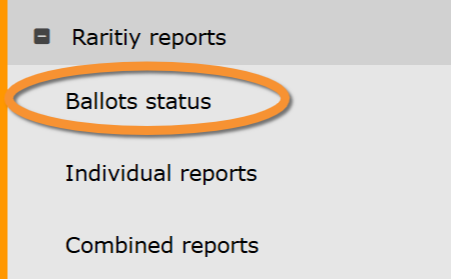
Rarity reports. Ballots status.
Ballot open
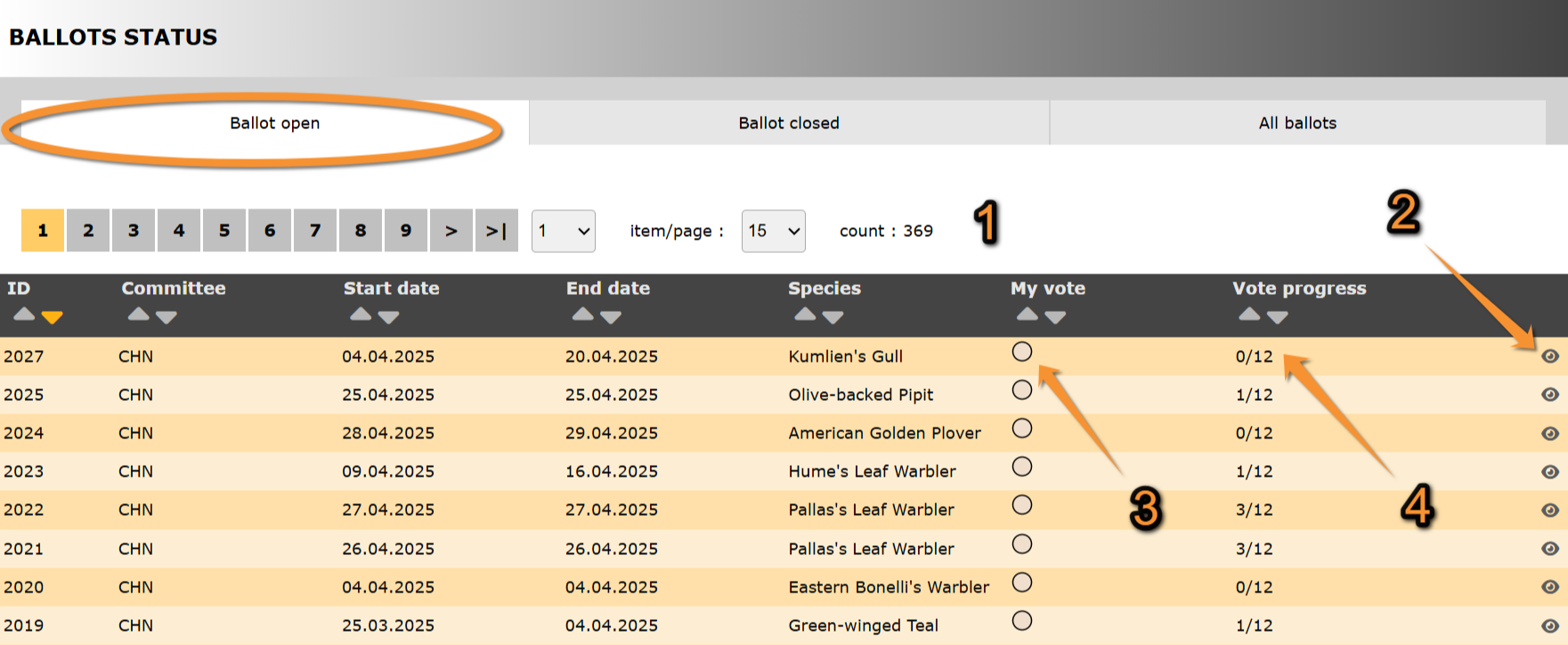
Ballot open.
ID: Text 1.
Committee: Text 2.
Start date: Text 1.
End date: Text 2.
Species: Text 1.
3. My vote: Text 2.
4. Vote progress: Text 2.
- Search
Select page number and/or number of items per page.
- Details
See details about this sighting and its rarity report associated.
See Ballot details for more information.
Ballot closed
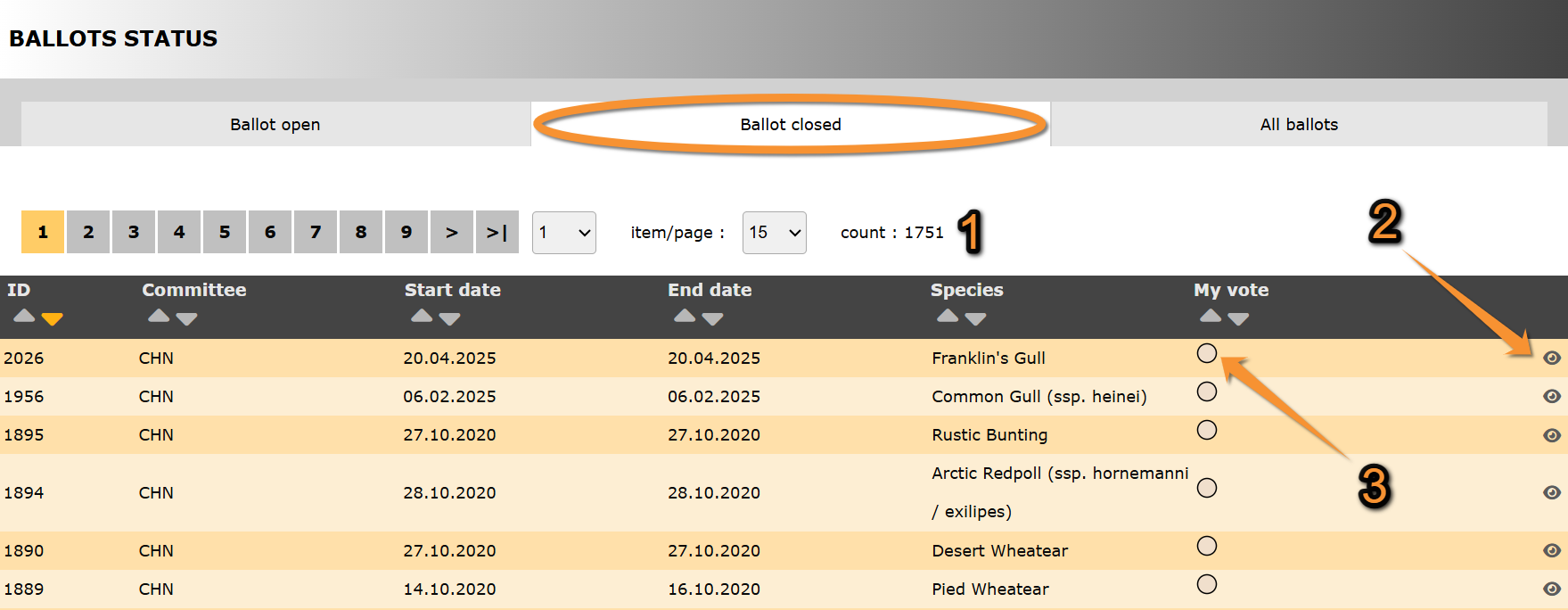
Ballot closed.
ID: Text 1.
Committee: Text 2.
Start date: Text 1.
End date: Text 2.
Species: Text 1.
3. My vote: Text 2.
- Search
Select page number and/or number of items per page.
- Details
See details about this sighting and its rarity report associated.
See Ballot details for more information.
- My vote
All ballots
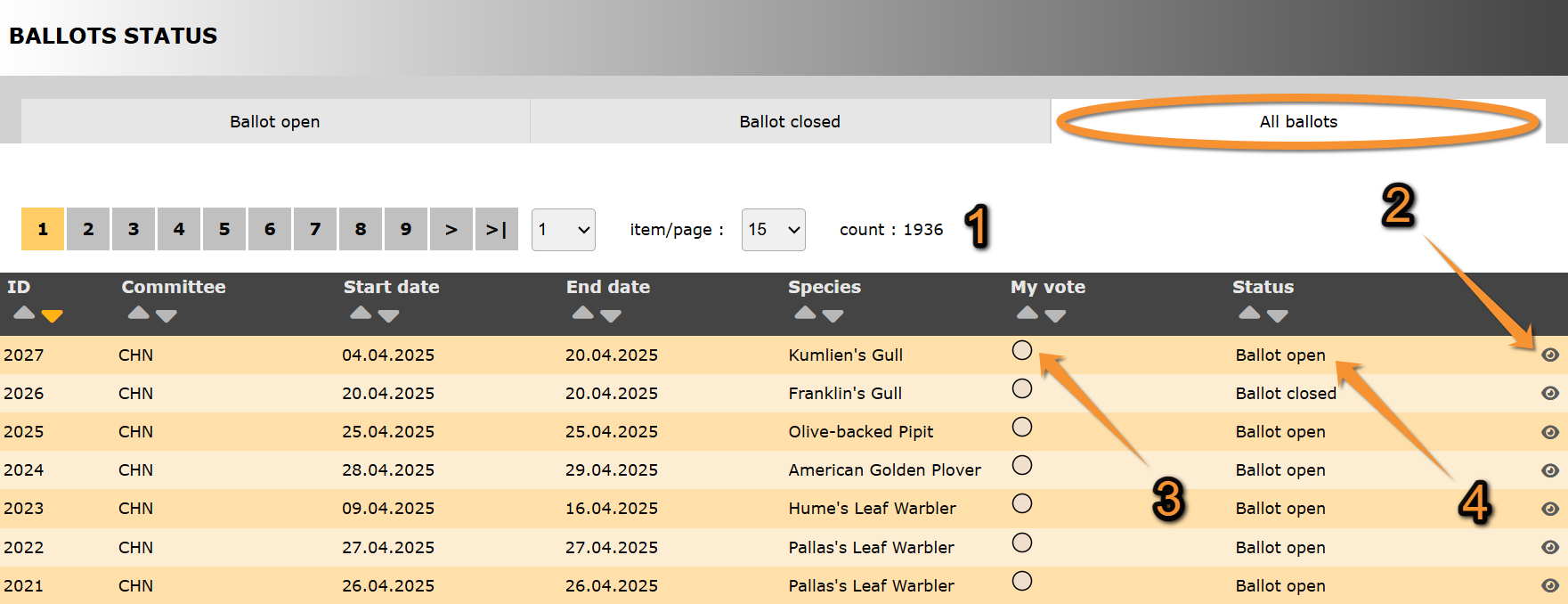
All ballots.
ID: Text 1.
Committee: Text 2.
Start date: Text 1.
End date: Text 2.
Species: Text 1.
3. My vote: Text 2.
4. Status: Text 2.
- Search
Select page number and/or number of items per page.
- Details
See details about this sighting and its rarity report associated.
See Ballot details for more information.
- My vote
- Status
Indicates in which state are all ballots listed:
· Ballot open:
· Ballot closed:
Ballot details
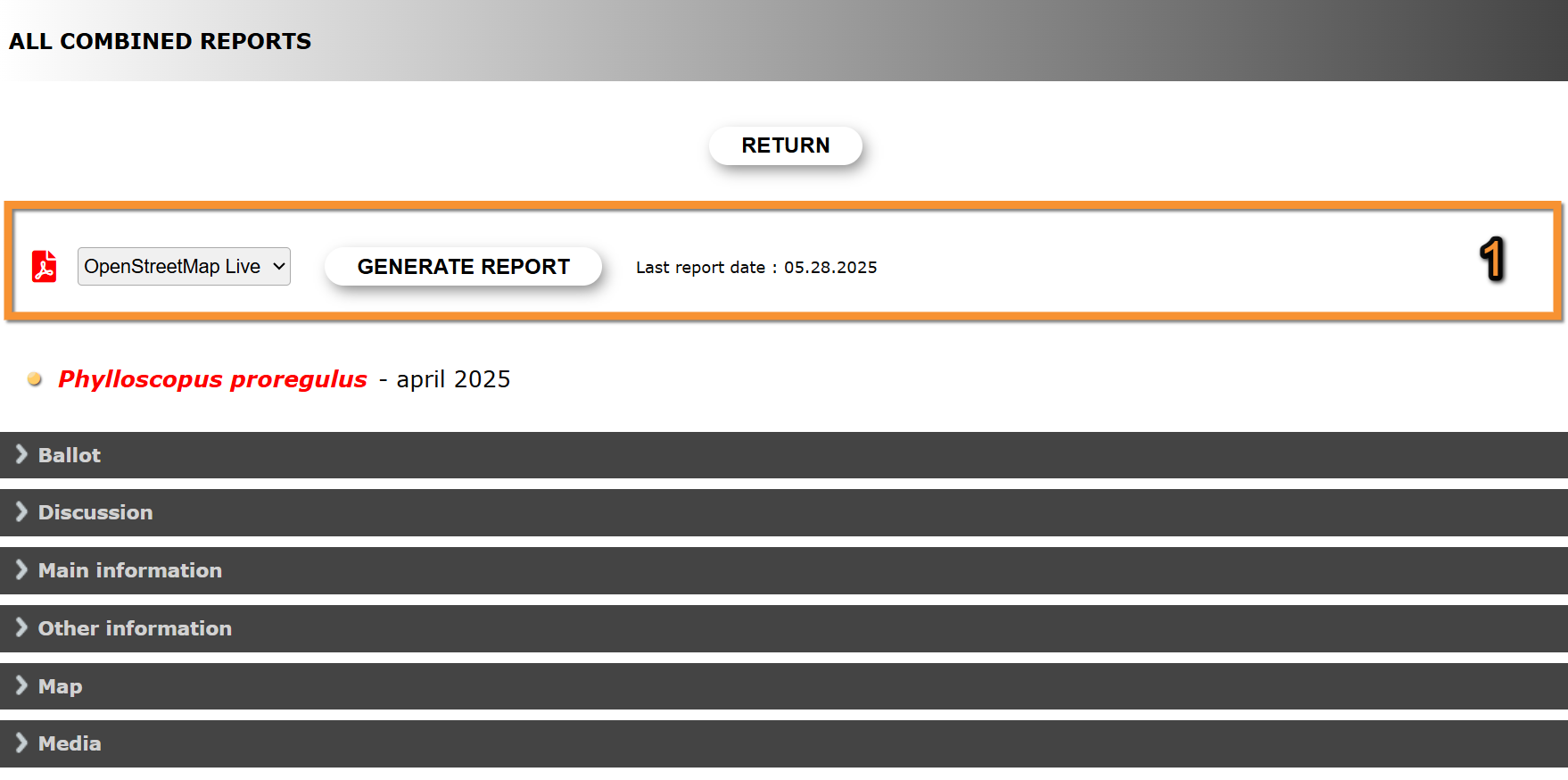
Ballot details.
Return: Go to previous screen.
1. Report:
2. Ballot: Text 2.
3. Discussion: Text 1.
4. Main information: Text 2.
5. Other information: Text 1.
6. Map: Text 2.
7. Media: Text 1.
- Report
Create a downloadable report as a .pdf file with information about the species sighting.
1. Select from the expandable menu the map layer.
2. Click Generate report to start download.
If the report for this sighting has already been downloaded, the date and time of latest download is shown on the right.

Download report.
1. Select map layer.
2. Start download.
- Ballot
- Discussion
- Main information
- Other information
- Map
- Media
Individual reports
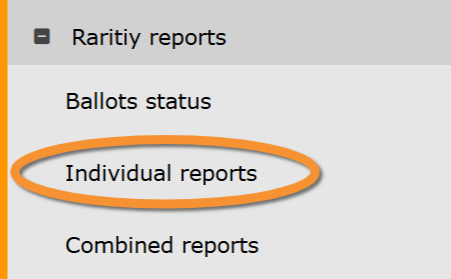
Rarity reports. Individual reports.
Combined reports
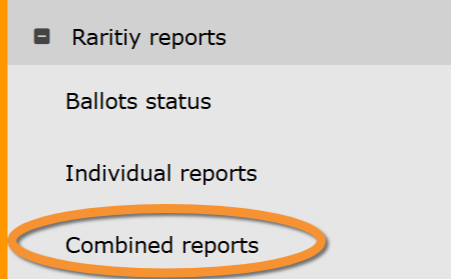
Rarity reports. Combined reports.