Rarity reports
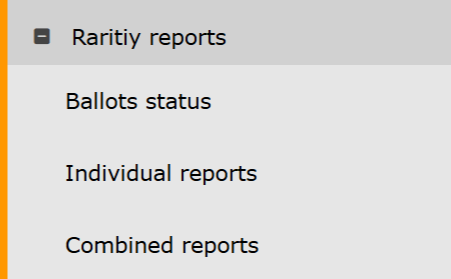
Rarity reports. Menu.
Ballots status
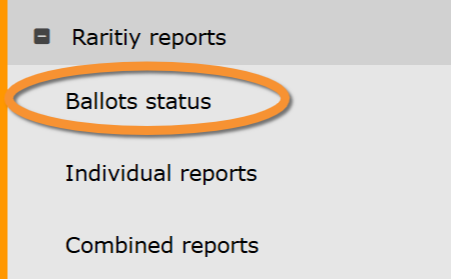
Rarity reports. Ballots status.
Ballot open
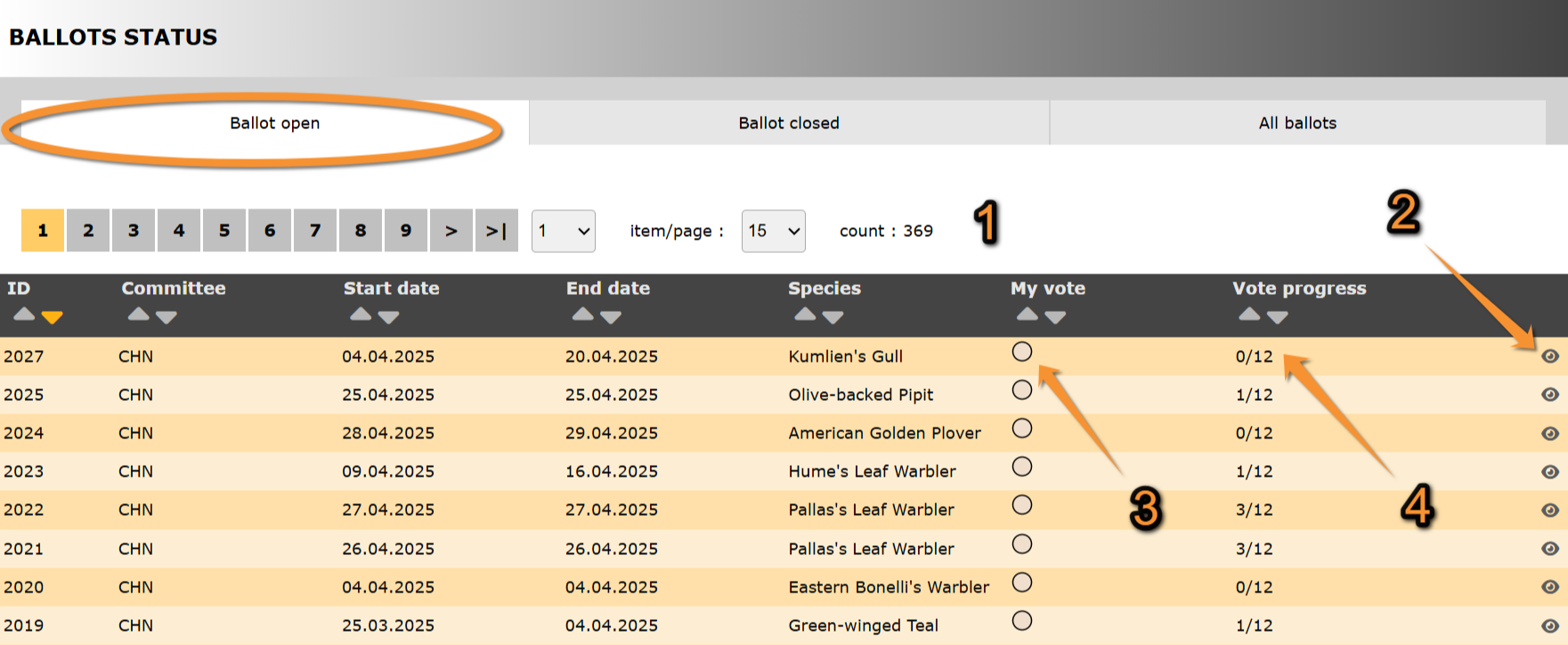
Ballot open.
ID: Text 1.
Committee: Text 2.
Start date: Text 1.
End date: Text 2.
Species: Text 1.
3. My vote: Text 2.
4. Vote progress: Text 2.
- Search
Select page number and/or number of items per page.
- Details

Ballot details.
Return: Go to previous screen.
1. Report:
2. Ballot: Text 2.
3. Discussion: Text 1.
4. Main information: Text 2.
5. Other information: Text 1.
6. Map: Text 2.
7. Media: Text 1.
- Report
Create a downloadable report as a .pdf file with information about the species sighting.
1. Select from the expandable menu the map layer.
#
2. Click Generate report to start download.

Download report.
1. Select map layer.
2. Start download.
- Ballot
- Discussion
- Main information">
- Other information
- Map
- Media
Ballot closed
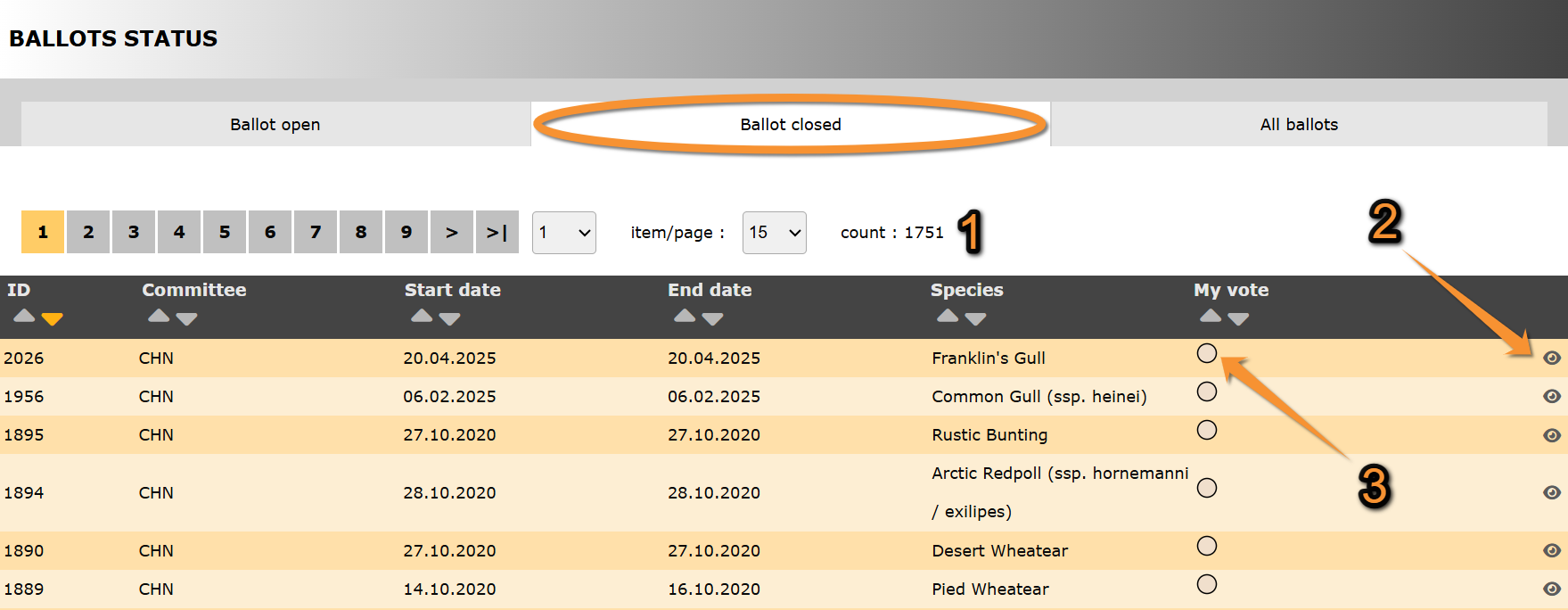
Ballot closed.
ID: Text 1.
Committee: Text 2.
Start date: Text 1.
End date: Text 2.
Species: Text 1.
3. My vote: Text 2.
- Search
Select page number and/or number of items per page.
- Details
- My vote
All ballots
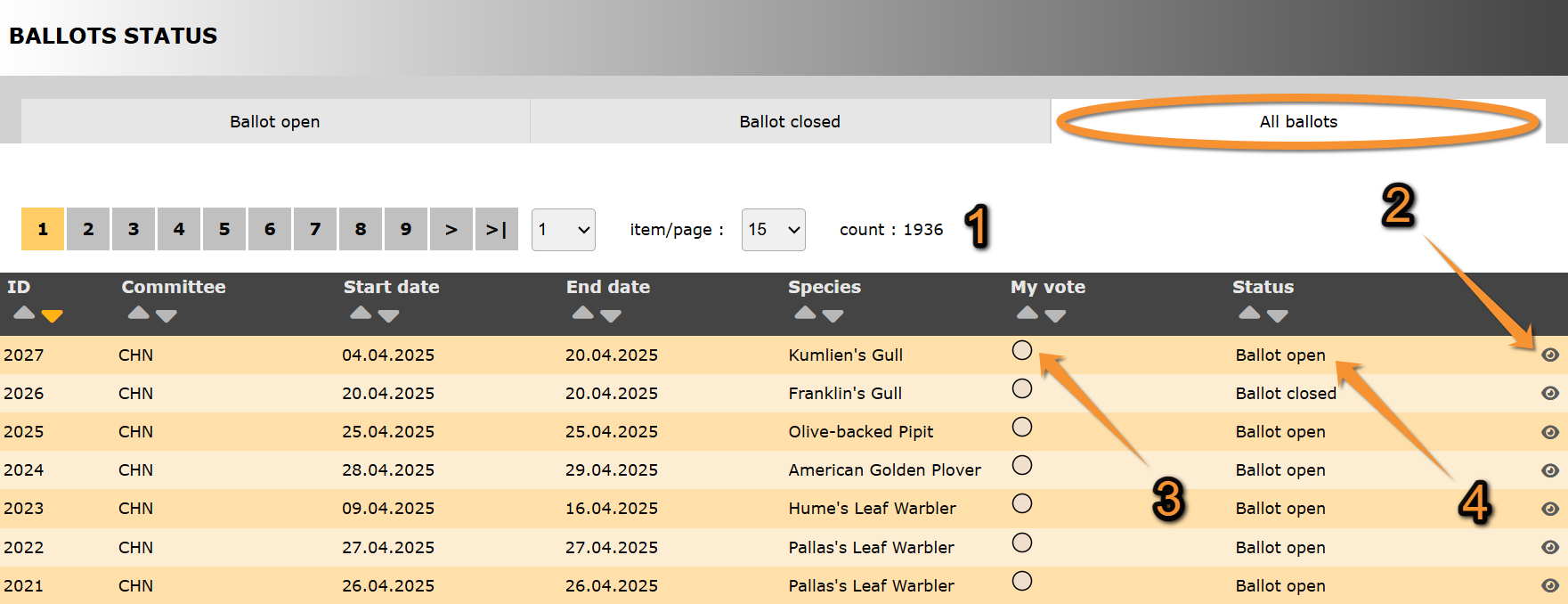
All ballots.
ID: Text 1.
Committee: Text 2.
Start date: Text 1.
End date: Text 2.
Species: Text 1.
3. My vote: Text 2.
4. Status: Text 2.
- Search
Select page number and/or number of items per page.
- Details
- My vote
- Status
Indicates in which state are all ballots listed:
· Ballot open:
· Ballot closed:
Individual reports
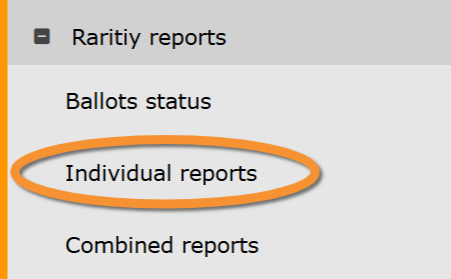
Rarity reports. Individual reports.
Combined reports
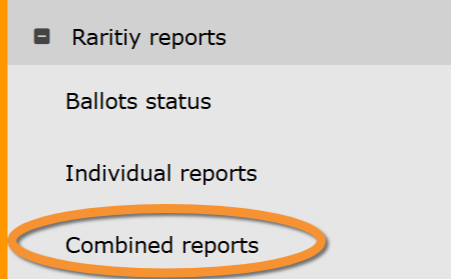
Rarity reports. Combined reports.