Translations:Shortcuts/47/en
Delete a shortcut list
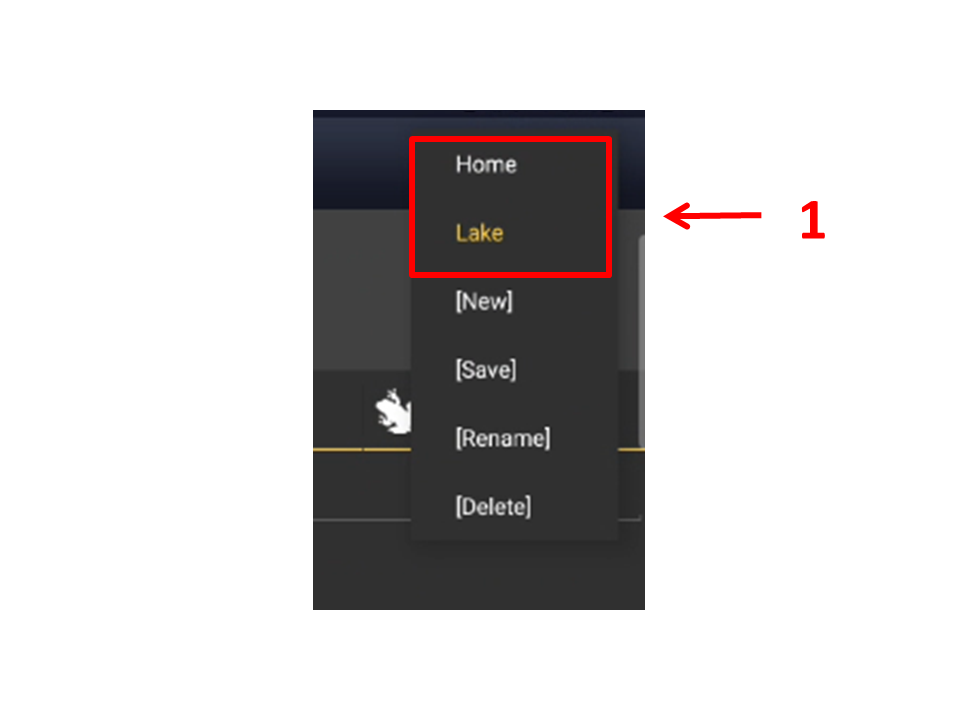
From the Species screen, click on the active shortcuts list on the top bar to open the shortcuts menu (see image Shortcuts lists. Menu). Click on [Delete] to delete the active list and confirm when prompted (see image below).