Translations:Protocols/106/en
Jump to navigation
Jump to search
-
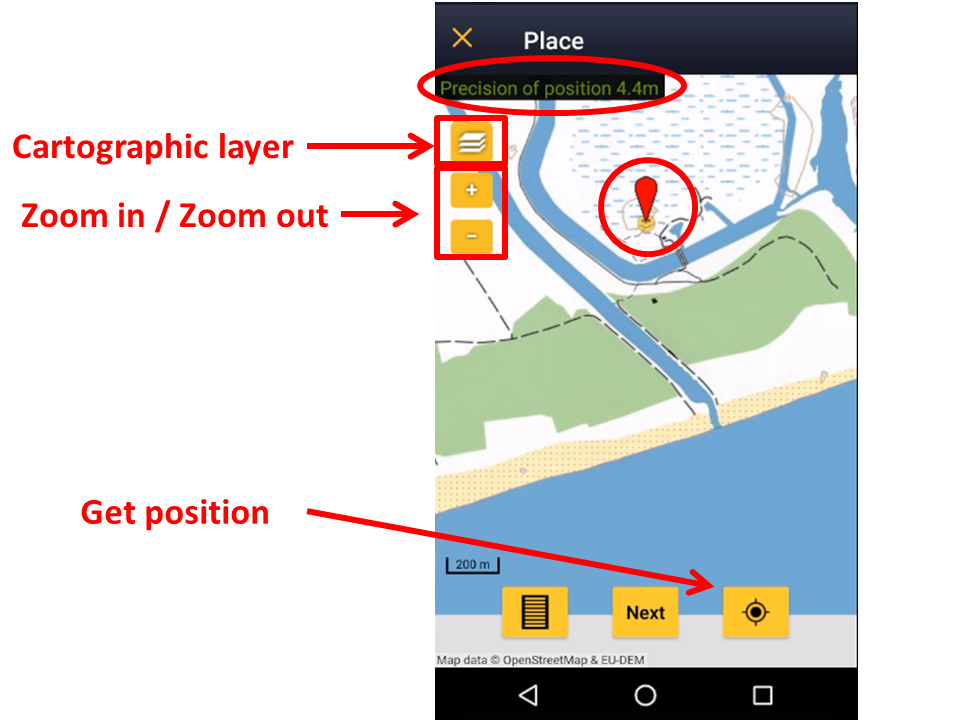
The Red Marker indicates the position of your observation. The Smiley indicates your position. When the smiley gets yellow, the GPS has detected your position. Check how accurate the reading is on the top left corner (image Navigating the map). Always check your position on the map. Please place the red marker at your observation, not at your position. Be as accurate as possible.