Translations:Shortcuts/22/en
Jump to navigation
Jump to search
Additional lists
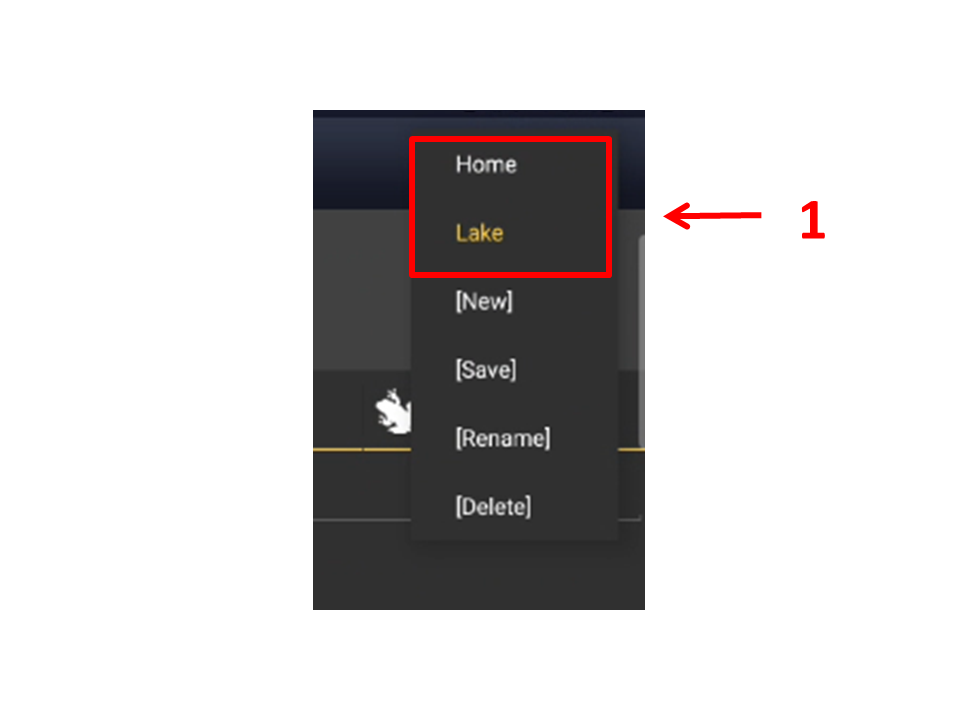
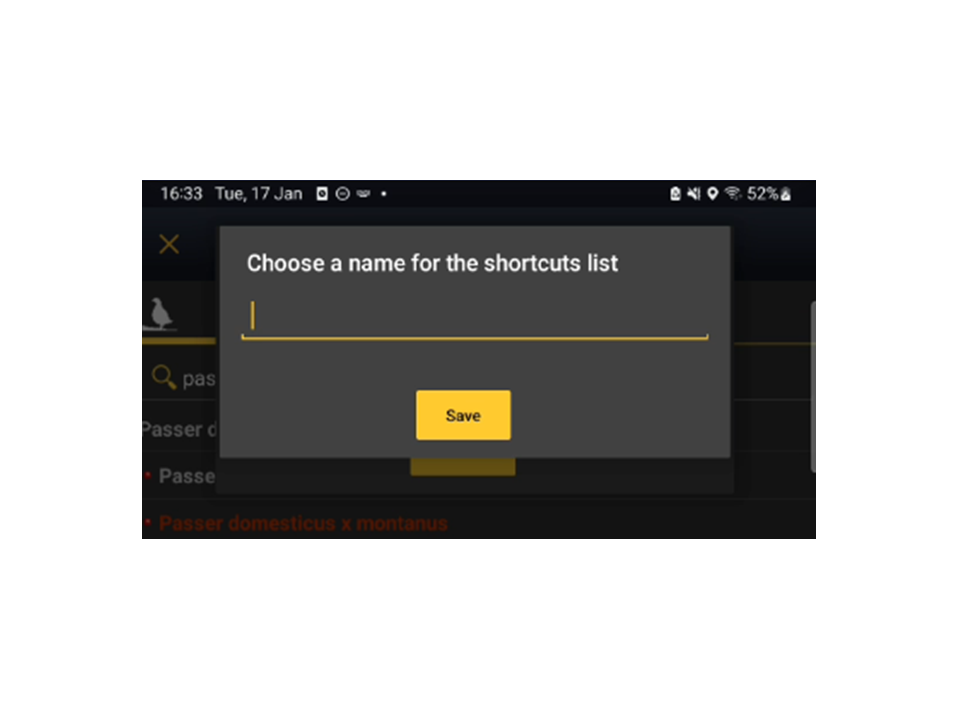
Once a shortcuts list is created, the name of the list appears on the top bar. Click on the name to create a new list. It will open a menu with all the possibilities. Click [New] to create a new list (see image Shortcuts lists. Menu). Enter the name of the new list when prompted (see image Naming a shortcuts list) and start creating shortcuts as described in First list above.