Rock Ptarmigans census (NL): Difference between revisions
(Created page with "LAGOPUS_MOTA <br/> <br/> <div class="toc" style="width:350px;"> <!-- La llargada s'ha de canviar aquí --> <div class="mw-collapsible mw-collapsed" data-expandtext="Show" data-collapsetext="Hide" style="width:300px;margin-bottom:0px;margin-top:0px;background-color:#f7f7f7;"> '''7 Rock Ptarmigans census''' <div class="mw-collapsible-content" style="width:350px;background-color:#f7f7f7;"> <!-- I també cal canviar la llargada aquí --> <ol>...") |
No edit summary |
||
| Line 18: | Line 18: | ||
</div> | </div> | ||
<br/> | <br/> | ||
__NOTOC__ | |||
<!-- taula wiki per centrar el quadre groc --> | <!-- taula wiki per centrar el quadre groc --> | ||
Revision as of 18:03, 14 December 2023
LAGOPUS_MOTA
7 Rock Ptarmigans census
|

Open the menu as for Submitting records and choose Point count (see image below).

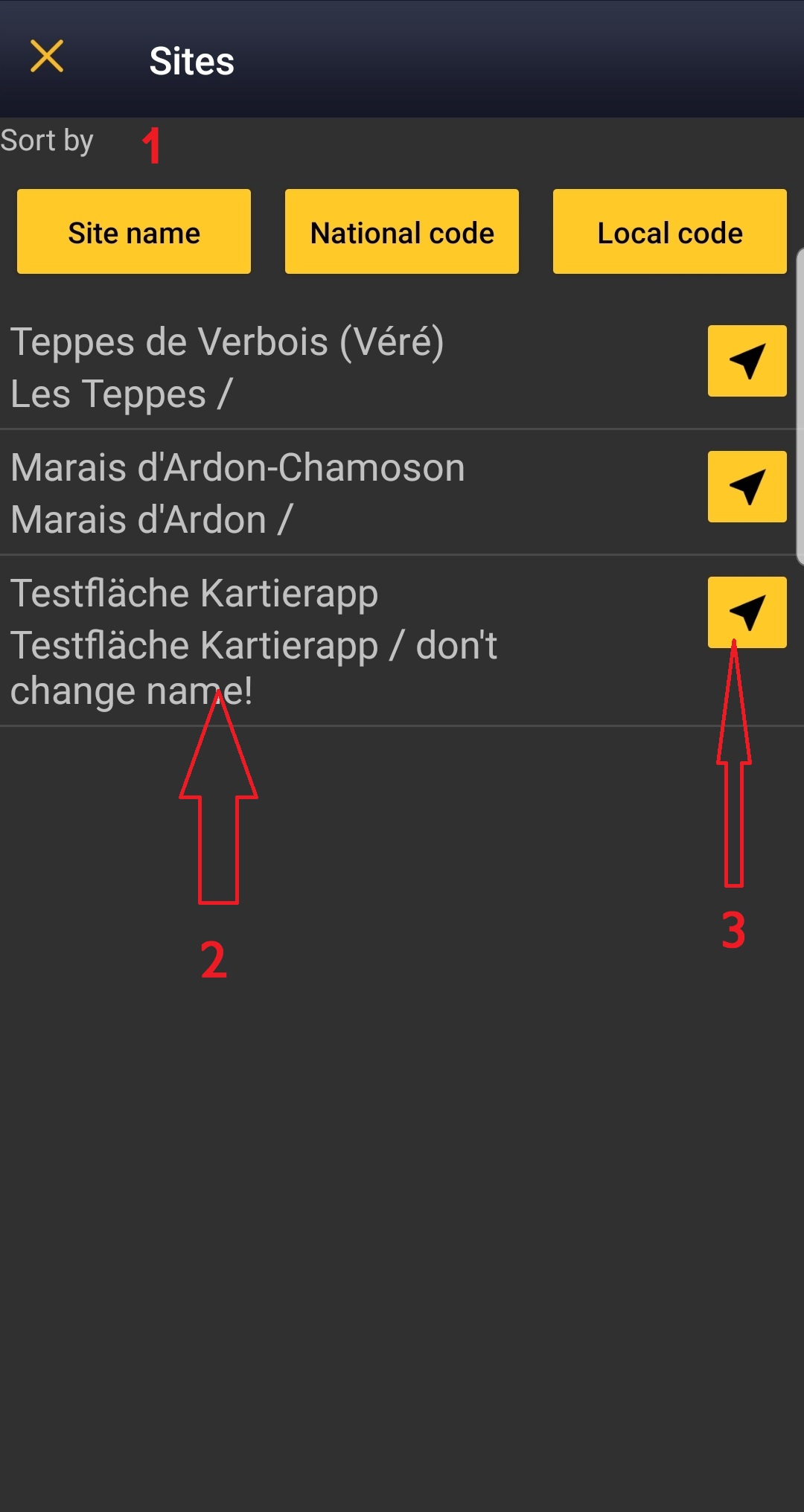
Choose the site you want to count at as explained in wiki section Mobile interface > Protocols > Enter data.
LAGOPUS_MOTA Start of list
Enter general information before starting the count. Fields are protocol dependent and may change from country to country.
Visit wiki section Mobile interface > Protocols > Enter data > Start of list for details.
Click Next when done.
LAGOPUS_MOTA Entering records
Enter observations as if with a detailed list.
- Place
Place your observation within the study area.
See wiki section Mobile interface > Protocols > Enter data > Entering observations > Place on how to interpret the map and place your observation.
- Number of individuals
Enter number of individuals and precision count. Using the counter function may easy collecting your data.

Visit Mobile interface > Entering records > Directly in the field > Number of individuals if necessary.
- Plus
Enter additional information as if it where a with a detailed list.
See wiki section Mobile interface > Submitting records > With a detailed list > Step 4: Additional information on how to do it, if necessary.
When done, click Save. It will take you to the Place screen to continue entering observations.
LAGOPUS_MOTA Ending the list
To finish the survey,
1. Stop recording,
2. Adjust time, if necessary,
3. Fill in/modify details, and
4. Choose type of list.
Visit wiki section Mobile interface > Enter data > Ending the list for details, if necessary.
Remember to synchronise your data as soon as possible after entering to avoid loosing it.
LAGOPUS_MOTA Editing records and/or protocols
To edit records within a protocol, or to edit the protocol's general parameters, visit wiki section Mobile interface > Editing records > Editing protocols.
LAGOPUS_MOTA Deleting records and/or protocols
To delete records within a protocol, or to delete the whole protocol, visit wiki section Mobile interface > Editing records > Deleting protocols.
LAGOPUS_MOTA Browsing records
See your protocoled records:
- Before synchronisation
- In the phone. See more details in wiki section Accessing your own records.
- Before synchronisation
- After synchronisation
- In Mine. See more details in wiki section Accesssing records' details.
- After synchronisation
- In Under verification (only if any data of the protocol needs more information)
- In Under verification (only if any data of the protocol needs more information)
- In the local portal. Go to the corresponding local portal, Menu > Explore > All my observations.
- In the local portal. Go to the corresponding local portal, Menu > Explore > All my observations.