Private territory mapping
TERRITORY_MAPPING
This protocol records breeding birds in a defined territory area. The interface to enter data in the context of Private territory mapping protocol exists only for NaturaList, but it can be edited and viewed through the web (after synchronisation). Go to Mobile interface > Protocols > Private territory mapping to see how to enter data.
Access your protocol from Menu > Take part > All my protocol > Private territory mapping.
For other options, visit wiki section Web interface > Local portal > Protocols > Accessing protocols.
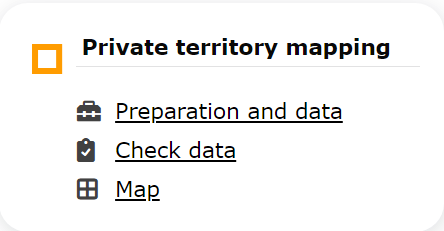
Private territory mapping. Menu.
Private territory mapping
-
1 Preparation and data
- 1.1 Add observations (in NaturaList)
1.2 Results
1.3 Display on map
1.4 Modify the protocol
1.5 Census results
- 1.5.1 Protocol section
1.5.2 Observations section
- 1.6 Download map
- 2 Check data
3 Map
TERRITORY MAPPING Preparation and data
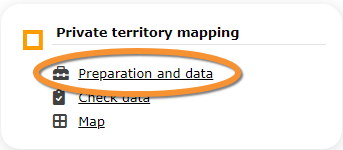
Private territory mapping. Preparation and data.
Lists all sites available to the current user and allows downloading printable maps and viewing results. Data can only be entered through NaturaList. Visit wiki section mobile interface > Protocols > Private territory mapping to know how to enter data in the Private territory mapping protocol.
1 Preparation and data
- 1.1 Add observations (in NaturaList)
1.2 Results
1.3 Display on map
1.4 Modify the protocol
1.5 Census results
- 1.5.1 Protocol section
1.5.2 Observations section
- 1.6 Download map
TERRITORY MAPPING Results

Private territory mapping. Results.
See some statistics about your surveys results.
Visit wiki section Web interface > Protocols > Preparation and data > Results for details.
[Top to Preparation and data]
[Back to Private territory mapping protocol]
TERRITORY MAPPING Display on map
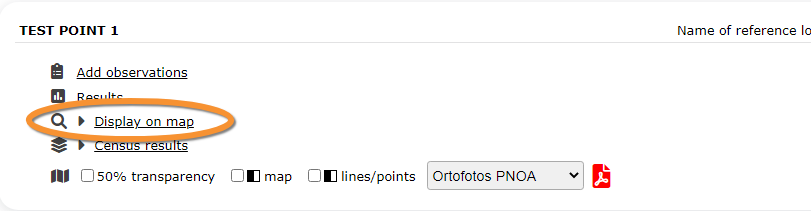
Private territory mapping. Display on map.
For the selected site, see the area to survey on a map. To know how to navigate the map, refer to wiki section Web interface > Navigating the map.
Visit wiki section Web interface > Protocols > Preparation and data > Display on map for details.
[Top to Preparation and data]
[Back to Private territory mapping protocol]
TERRITORY MAPPING Modify the protocol
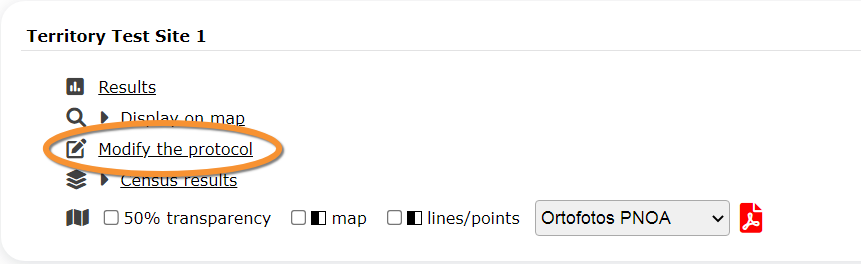
Private territory mapping. Modify the protocol.
Modify the site to survey.
Visit wiki section Web interface > Protocols > Preparation and data > Modify the protocol for details.
[Top to Preparation and data]
[Back to Private territory mapping protocol]
TERRITORY MAPPING Census results
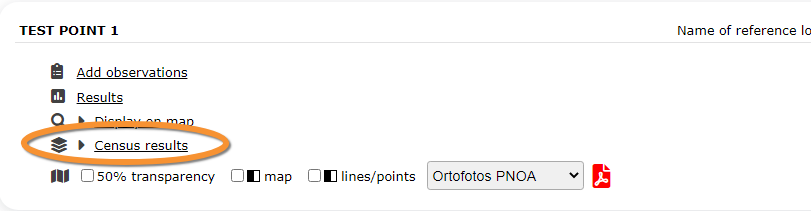
Private territory mapping. Census results.
Click on Census results to see all available years with data for this site (see image Protocol. Selecting year to visualise). Select the one to visualise.

Visit wiki section Web interface > Protocols > Preparation and data > Census results for details.
TERRITORY MAPPING Protocol section
General information about the selected visit at the selected site.
Visit wiki section Web interface > Protocols > Preparation and data > Census results > Protocol section for details.
TERRITORY MAPPING Observations section
Summary of observations at the selected site.
Visit wiki section Web interface > Protocols > Preparation and data > Census results > Observations section for details.
When flying direction or relationship between individuals were introduced while recording observations in NaturaList, details can be visualised in this section (see example below).
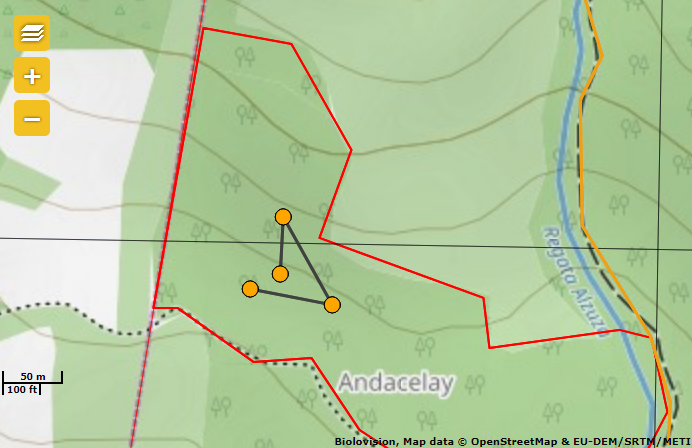
Visualising relationship between individuals in Local portal
Click on the lines to show its colour: green indicates same individual, orange is unknown and blue confirms different individuals.
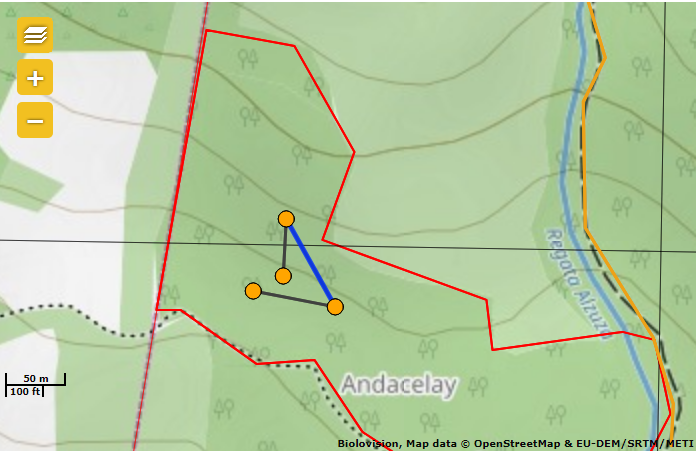
Click on any record to see details and/or edit.
The button below appears and you can use it to correct your data:
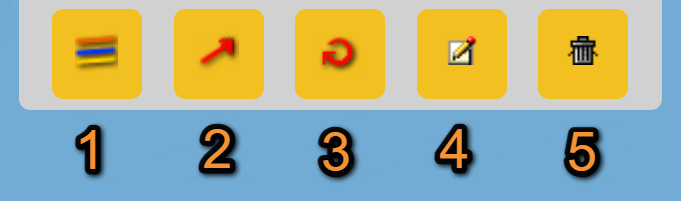
Add or modify additional information on local portal.
1. Individuals of the same species: Select/deselect all individuals of the same species, and show their details. If a relationship between the sightings have been recorded, it will be shown/hidden here.
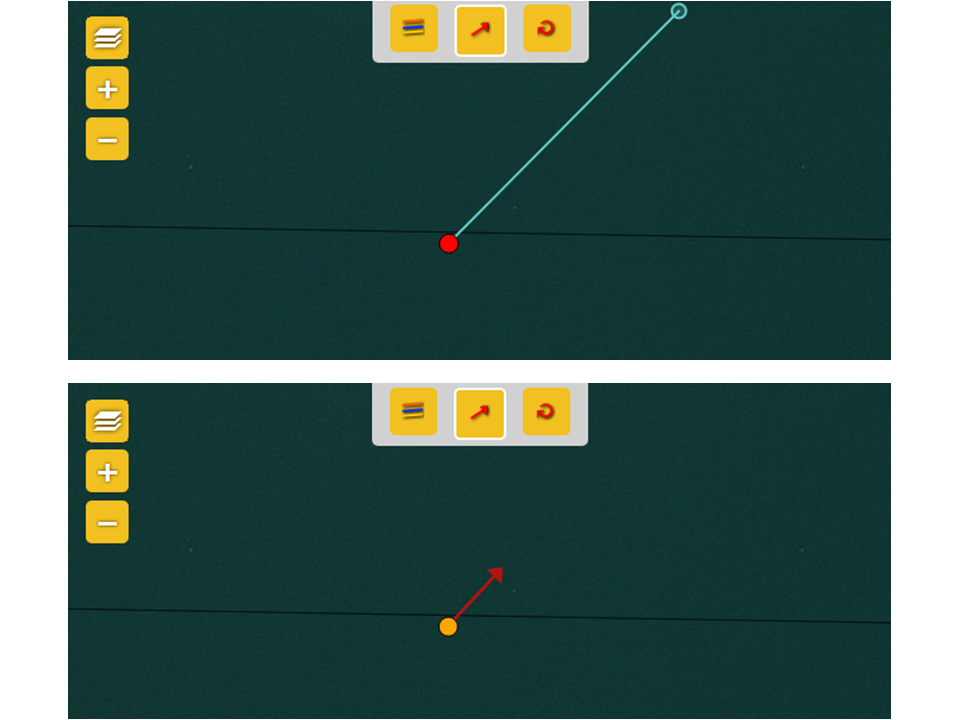
2. Flight direction: Modify flight direction if necessary. To add/modify flight direction,
-click on the arrow icon,
-select the individual you want to add flight direction to (it becomes red),
-move the mouse to match the blue round (top) to the flight direction (bottom). See example.
3. Flight direction: Circle flight.
4. Access record: Access record details including information about the list and other species from the same list, as if from Home > Main menu (left column) > All my observations. The individual the function applies to is indicated by a
blue circle around it.
5. Delete: Delete the selected record. You will be prompted to confirm.

[Top to Preparation and data]
[Back to Private territory mapping protocol]
TERRITORY MAPPING Download map
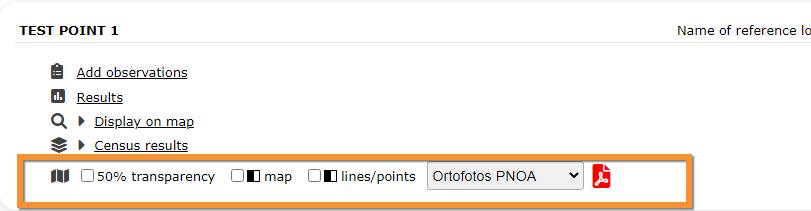
Private territory mapping. Download map.
Download maps ready to print.
Visit wiki section Web interface > Protocols > Preparation and data > Download map for details.
[Top to Preparation and data]
[Back to Private territory mapping protocol]
TERRITORY MAPPING Check data

Private territory mapping. Check data.
Calendar showing visits to different sites and number of species detected.
Visit wiki section Web interface > Protocols > Preparation and data > Check data for details.
[Top to Check data]
[Back to Private territory mapping protocol]
TERRITORY MAPPING Map
Private territory mapping. Map.
Map and statistics for site.
Visit wiki section Web interface > Protocols > Preparation and data > Map for details.
[Top to Map]
[Top to Private territory mapping]
[Back to Protocols]