Submitting records
In order to enter observations, first you need an account (see section Web interface > Getting started > Registration). Once logged in (see section Web interface > Getting strated > Logging in) click on Submit (see image Send records from homepage) or access through the left hand menu under Information > Transmit my sighting (see image Send records from left column). The process will follow three stages: approximate choice of a site, precise location and enter an observation.

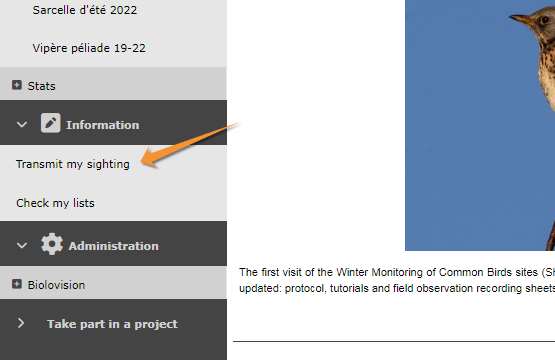


Note: images and examples are drawn from the French portal Faune-France. The design and position of some tools may vary slightly from portal to portal. To see a list of portals go to wiki section Local portals and partners. |